Medical Invoice Software: What to Look For and How to Choose
See if you qualify for Medical Billing and Coding programs
Answer a few questions in 2 minutes. Free, no commitment.
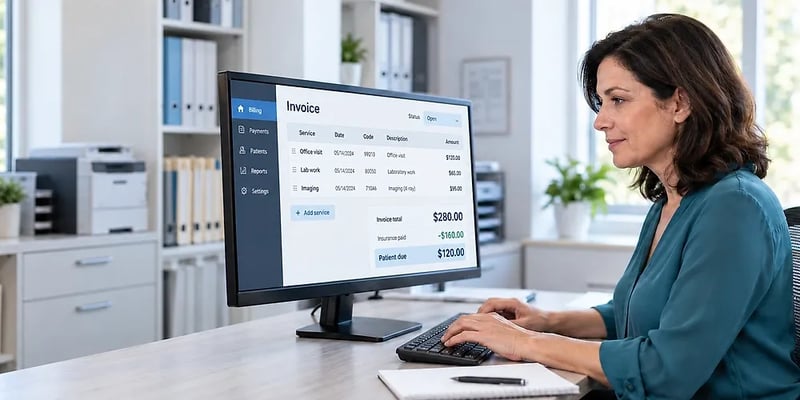
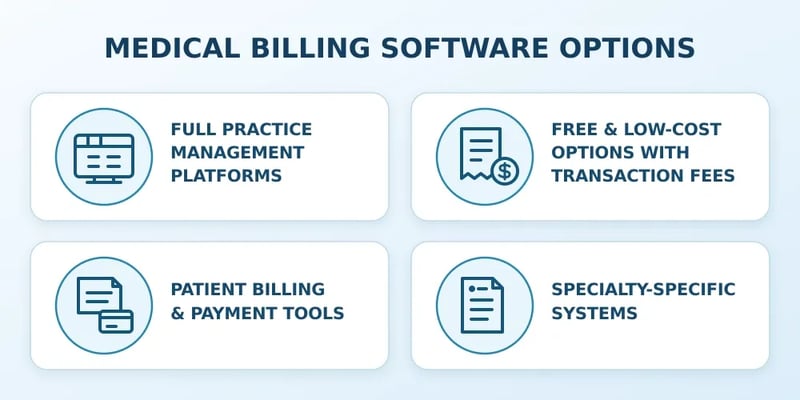
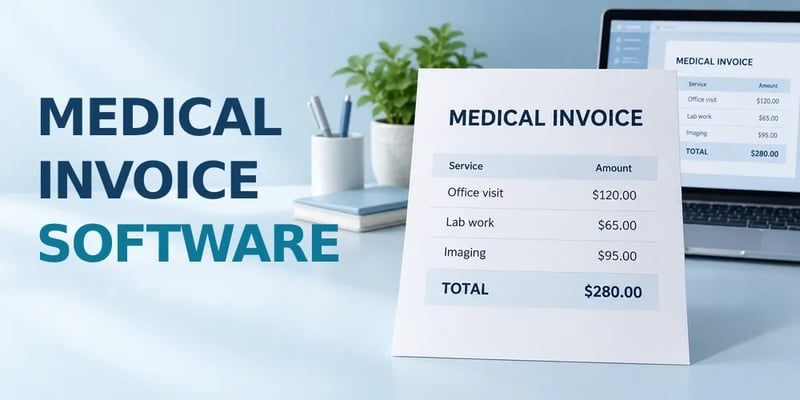
Medical invoice software generates and manages the bills a practice sends to patients and, in fuller systems, the claims it sends to insurance payers. The first decision is whether you need a standalone invoicing tool for patient statements and card payments or a full billing system that also files claims and posts payer remittances. That choice turns on four things: the claim format the product can produce, whether the vendor signs a HIPAA business associate agreement, how it connects to your EHR, and which pricing model fits your volume. The rest is matching the tool to how your practice gets paid.
How to Choose the Right Medical Invoice Software for Your Practice
Start with how you get paid, because that decides the category before any feature comparison.
- Mostly self-pay: a patient billing and payment tool with a business associate agreement covers the job, and good faith estimate support is the feature to confirm.
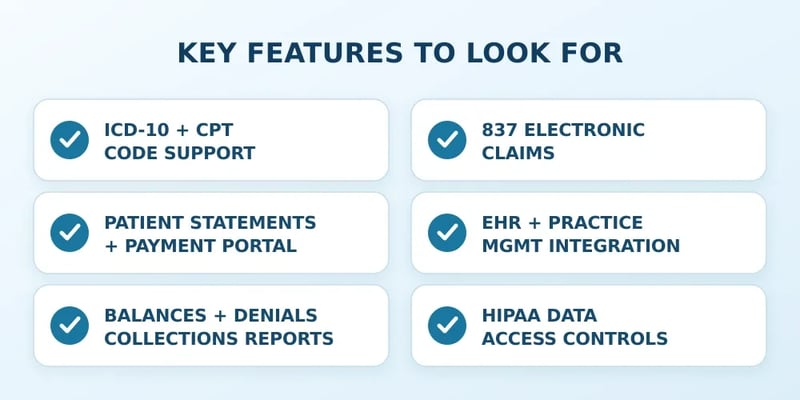
- Claims with multiple payers: you need the 837, 835, 270/271, and 276/277 transactions built in or through an integrated clearinghouse, which points to a full billing system.
- Medical billing software for small practices lives mostly in the free and per-provider tiers, so check claim caps and transaction fees against a real month of volume.
- Confirm the integration with your EHR by name and ask to see a charge flow into a claim. ONC's 2024 survey found 91% of office-based physicians on a certified EHR but only 79.9% of solo practitioners, so a solo practice should also ask how the tool works without one.
- Ask for the business associate agreement and security summary before the demo.
Before signing, read the contract for the exit: who owns your data, what format it exports in, and what leaving costs.
Frequently Asked Questions
Is regular invoicing software like FreshBooks or QuickBooks HIPAA compliant enough?
No. Intuit's own help documentation says QuickBooks Online is not compliant with HIPAA privacy standards and advises healthcare professionals not to enter individually identifiable health information into it, according to Intuit. Unless an invoicing vendor signs a business associate agreement, patient names, dates of service, and diagnoses cannot go into it.
What is the best free medical billing software?
Office Ally and PracticeSuite both publish free tiers as of September 2026. Practice Mate has no monthly subscription fee and charges per transaction for some services, and PracticeSuite's free single-user account is capped at 25 electronic commercial claims a month. Both charge once you outgrow those limits, so match the plan to your claim volume.
Does invoice software submit insurance claims directly?
Standalone invoice software does not. Claims reach payers in the HIPAA-standard 837 format, directly or through a clearinghouse, and only billing software or a practice management system generates that file. Some invoicing tools connect to a separate clearinghouse for a per-claim fee, which leaves eligibility checks and remittance posting manual.
How much does medical billing software cost per provider?
Published per-provider subscriptions run from $49 to $99 a month for solo behavioral health platforms such as SimplePractice and TherapyNotes as of September 2026, with electronic claims often billed separately, for example 14 cents each at TherapyNotes. Full practice management platforms price by provider or by a percentage of collections and quote those rates individually.
Does the software need to integrate with an EHR?
For any practice that files claims, yes. ONC's 2024 data shows 95% of office-based physicians use an EHR and 91% use a certified one, so the billing tool almost always has to read charges from a record system that already exists. Without integration, staff retype every visit, which is where coding errors and missed charges creep in.
Picking Invoice Software That Fits Your Practice
The 837 test settles most of the confusion in this market. A product that can produce a HIPAA-standard claim is billing software and belongs on the list for any practice that works with payers. One that cannot is invoice software, the right tool for a self-pay practice and the wrong one for everybody else.
Whichever side you land on, the business associate agreement comes before the demo, the integration gets proven on your own EHR, and the price gets calculated on a real month of claims and statements. A tool that passes those three checks will still be doing its job in three years.